
How to buy TAO and fund a Bittensor wallet
Set up a wallet, buy TAO and send it to your Bittensor address.

Lesson outline
PotaTao is not a wallet or an exchange.
Before you can swap, you need a wallet that supports Bittensor and some TAO in that wallet.
This guide takes you from choosing a wallet to funding it. Once your TAO arrives, you can connect to PotaTao and start swapping.
Choose a wallet
Choose a self-custodial wallet that supports Bittensor and connects to PotaTao.
Use the wallet cards below to visit official websites and follow their setup steps.
Keep your recovery phrase private and offline. PotaTao never asks for it.
Wallet options


Buy TAO
Choose an exchange where TAO is available.
Buy TAO, then check that the exchange allows withdrawals on the Bittensor network.
Each provider has its own fees, limits and withdrawal rules. Check the provider's official site before buying or sending TAO.
PotaTao does not operate or control these providers.
Compare providers
Where to buy TAO
Affiliate
Links to these exchanges may contain affiliate links. PotaTao may earn a commission if you sign up or trade after following one.


Copy your Bittensor address
Open your wallet, select Receive, then copy your Bittensor address.
In the exchange withdrawal screen:
- Choose the Bittensor network.
- Paste your wallet address.
- Check the full address carefully.
- Review the withdrawal amount and fee.
The network and address must both be correct. A transfer sent to the wrong network or address may not be recoverable.
Send a small test
Send a small amount of TAO first.
Wait for it to arrive in your wallet before sending more.
If it does not arrive, stop and check the network, address and provider withdrawal status before continuing.
Fund your wallet
Once the test arrives, repeat the checks and send the remaining amount.
Keep a small amount of TAO available for future transactions.
When the balance appears in your wallet:
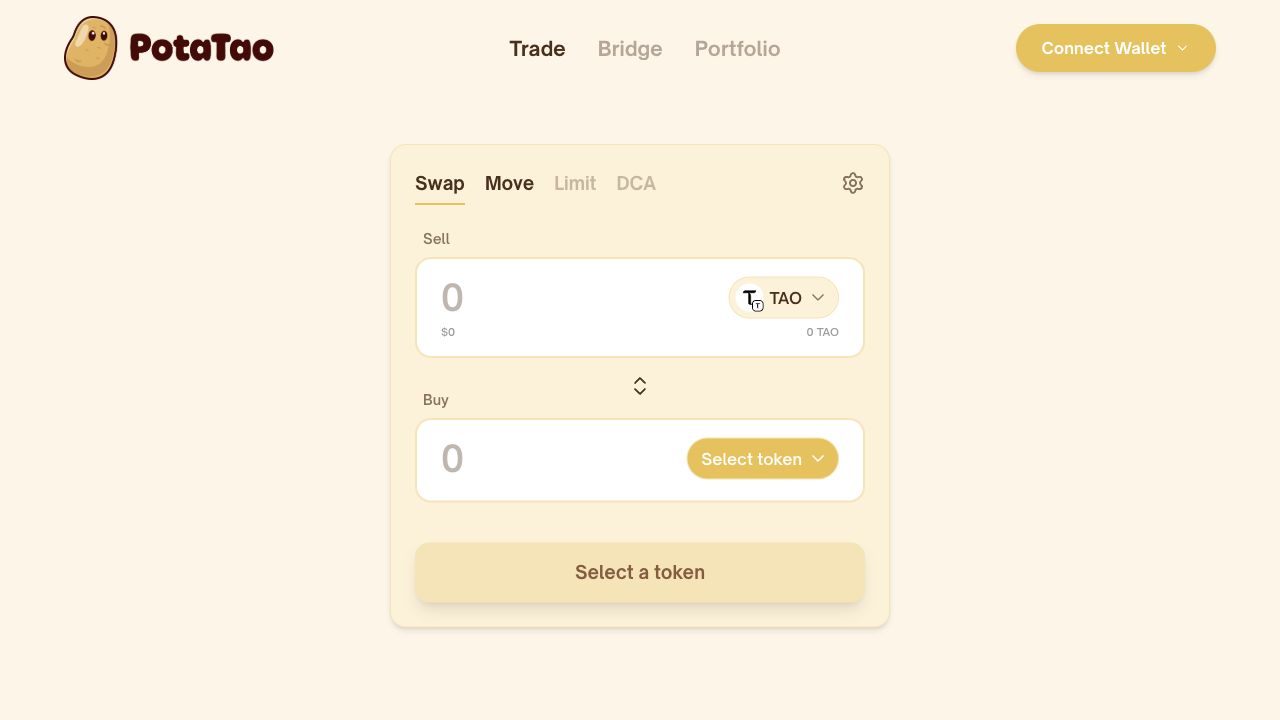
- Open PotaTao.
- Connect your wallet.
- Choose the token you want to swap.
- Review the quote and confirm.
Your wallet is funded. You are ready to make your move. If you want the background on why PotaTao approaches swapping this way, read a friendlier way to swap on Bittensor.
FAQ
Is PotaTao a wallet?
No. PotaTao is a non-custodial interface for swapping, staking and moving Bittensor tokens. Your connected wallet holds your keys and approves each transaction.
Can I buy TAO from PotaTao?
No. TAO is bought through independent exchanges and providers.
Why do I need to choose the Bittensor network?
Your wallet needs TAO on the Bittensor network. TAO sent on another network will not arrive at the same address.
Does every exchange support TAO withdrawals?
No. Check that withdrawals on the Bittensor network are available before buying.
Why send a small test first?
It confirms that the network and address are correct before you send a larger amount.
What do I do if my test does not arrive?
Do not send more. Check the network, address and provider withdrawal status.
Can PotaTao recover a transfer sent to the wrong address?
No. PotaTao does not hold funds and cannot reverse transactions on the Bittensor network.
Recommended lessons
Keep going
Three useful lessons selected to build on what you have just learned.
Recommended next
How to swap TAO for a subnet token
Use Swap to turn TAO into a subnet’s Alpha token. Choose the subnet, review the quote and validator, then confirm the swap.

Also recommended
How to stake TAO in a subnet
Learn how TAO becomes a staked Alpha position, choose a subnet and validator, and review the details before you confirm.

Also recommended
What is MEV protection?
Learn how MEV Shield helps protect supported swaps from frontrunning and sandwich attacks—and what risks still remain.
Ready to use PotaTao?
Open the app, connect your Bittensor wallet, and check every detail before you sign.
