
Guides
S3-compatible storage: what to test before switching
Test S3-compatible storage with a browser upload and a backup restore before moving your files. See what Amazon S3, R2, Backblaze B2, and Hippius document.

In this article
S3-compatible storage lets apps and backup tools use some of the same requests they use with Amazon S3. The service stores files as objects in a bucket. Each has a name called a key. Your tool might already know how to put an object in a bucket and read it back. The differences show up when a browser sends a signed upload or a backup tool asks for an older copy.
Start with the tool you already use and a private test bucket. Set the new provider's endpoint, which is the address your tool talks to, and check where it expects the bucket name. With path-style addressing the bucket goes after the hostname, before the file key. With virtual-hosted addressing the bucket name is part of the hostname. Amazon S3 documents both styles for general purpose buckets. Hippius requires path-style. Amazon S3 addressing · Hippius compatibility matrix
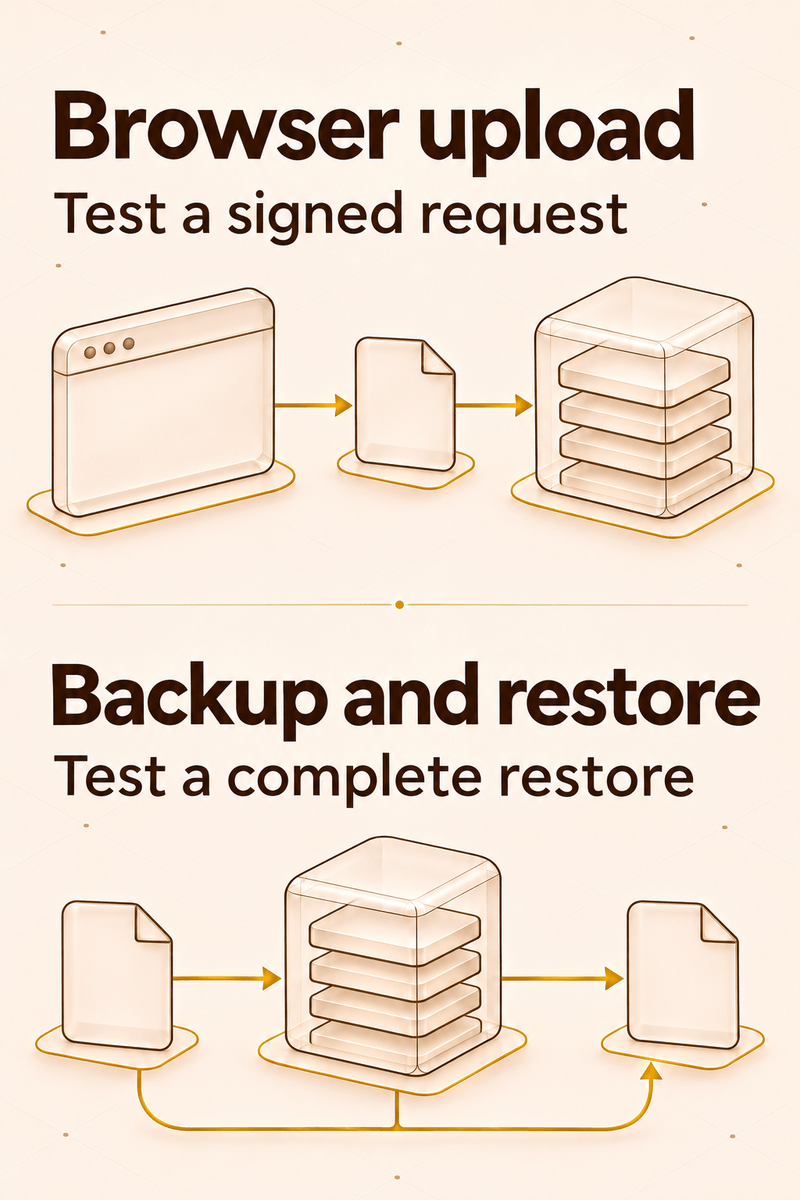
Check a browser upload from your actual app
Suppose your app lets customers attach images to a support ticket. It can keep the bucket private and have its server create a presigned URL. That link grants temporary permission for a specific request without giving the browser your storage credentials. With a signed PUT, the browser sends the file to the URL. A signed form POST sends the file with signed form fields and can enforce conditions such as an upload size range on Amazon S3. Check which one your app sends before switching. Amazon S3 signed PUT · Amazon S3 signed form POST
- Upload from the real page. Generate a fresh signed request on your server and submit it from your app's test page on the origin you plan to use. The upload should succeed using the app's actual method and headers. If the app and bucket use different origins, the browser checks the service's cross-origin rules, known as CORS. If your app depends on CORS restrictions, confirm the browser blocks the upload from a page on an origin you did not allow.
- Read the private object. Open a fresh signed GET link in a new browser session without storage credentials and confirm that the expected file opens. The object should be inaccessible without its signature. Wait for a short-lived link to expire and check that a fresh request fails. Try the wrong HTTP method on a signed link for a disposable object and confirm that the request fails.
Cloudflare R2 documents presigned PUT and bucket CORS settings. R2 and Backblaze B2 both list signed HTML form POST as unsupported on their S3 interfaces. Hippius documents signed PUT and GET, with cross-origin handling at its gateway. Its compatibility matrix says a bucket CORS update can return success while ignoring the submitted rules. R2 signed URLs · R2 CORS · Backblaze B2 compatibility · Hippius browser uploads and CORS
Restore a backup through the tool that made it
A backup client may split large files into parts and send them separately. Choose a sample big enough to trigger your tool's multipart uploads and restore it to a clean location. Keep a known-good source file or checksum for comparison.
- Interrupt the restore. Break the connection during a test download. Use the tool's normal retry or restart procedure. The restored file should open, and its full-file checksum should match the source. A multipart ETag is an identifier returned by Amazon S3. For the integrity check, compare whole-file checksums calculated by your tool or calculate a checksum on each copy yourself. Amazon S3 upload integrity
- Retrieve a previous copy. If your recovery plan relies on versions, upload a second test file under the same key, then use your regular restore process to retrieve the first. Confirm you can identify and read that version after an ordinary delete too. On Amazon S3 with versioning enabled, that delete adds a marker that hides the current object. You can copy a known-good version back as the current one and preserve the version history. Amazon S3 versioning · Restoring a previous version
- Check what the policy does. If you rely on retention, attempt to permanently delete a protected test copy while the lock is active. In a versioned bucket, target its specific version. The operation should fail. A delete marker can hide a locked AWS version even though the underlying version stays protected. If you rely on automatic expiry, check that a disposable object is removed once the rule has had time to run. Use a separate test object for expiry. Amazon S3 Object Lock
Backblaze B2 lists version retrieval operations and Object Lock support on its S3 interface. Backblaze manages lifecycle rules through its native API or console. Cloudflare R2 lists the S3 calls for bucket versioning and Object Lock configuration as unsupported. Its own bucket locks can block overwrites and deletes for matching objects. If you need to recover older copies, keep those copies separately from the locked object. Backblaze B2 operations · Backblaze B2 lifecycle controls · R2 S3 compatibility · R2 bucket locks
Hippius, a storage provider on Bittensor subnet 75, documents multipart uploads, versioning, and Object Lock. Its matrix also says a lifecycle rule can be acknowledged without being applied. If your backup relies on automatic expiry, plan a separate cleanup process and test it before switching. Our Hippius profile explains how its object storage fits into the wider service.
Keep your existing backup until your usual tool can restore from the replacement bucket and verify the recovered files.
Ready to make a swap?
Open PotaTao, connect your Bittensor wallet, and choose the tokens you want to swap.

Related stories


